Implemented
Open apps
Put frequently used apps where your hand can find them.
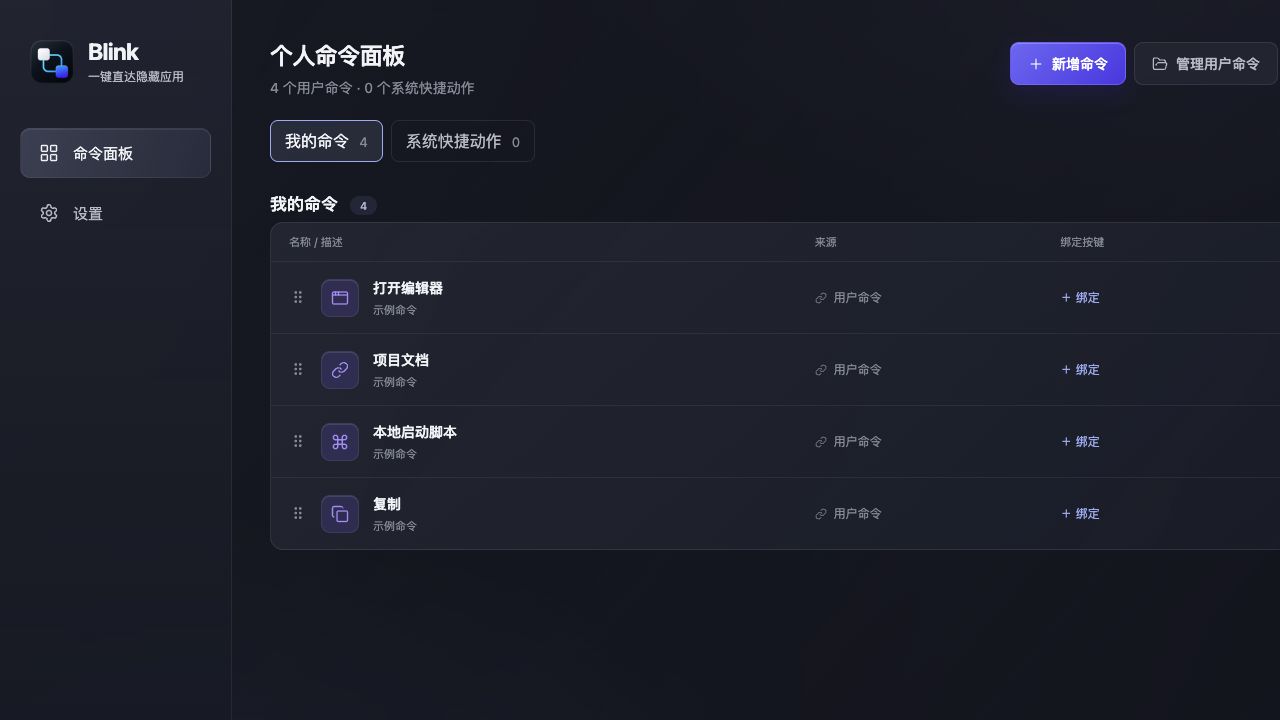
Bind apps, URLs, scripts, and system actions to physical keys. Less searching, more focus.
Available for macOS Apple Silicon and Windows x64·Test build · Available
MADE FOR YOUR EVERYDAY
Give the tools you open every day their own shortcuts.
BUILD YOUR NEXT IDEA
Give your editor, terminal, and dev pages their own keys.
ExampleExample configuration · each key maps to one actionOpen editor
Custom keyOpen terminal
Custom keyOpen repository
Custom keyOpen local page
Custom keyKEY TO APP INTERACTION
Blink turns one key into a direct software result: open, switch, hide, or trigger.
Each screen is an independent action example; the device must send a recognizable key.
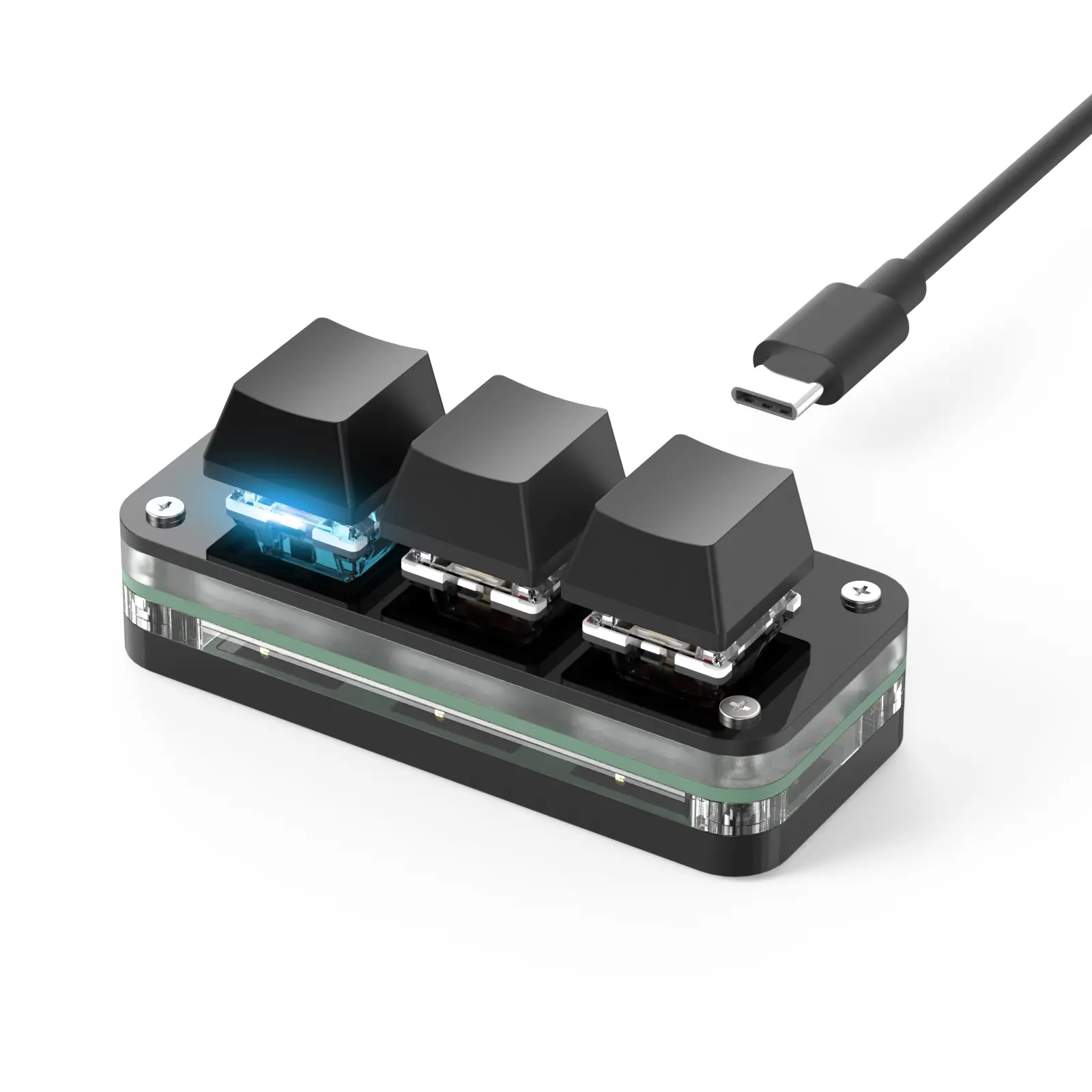
Key 1 → Open ChatGPT
Hardware is illustrative; Blink does not depend on a specific keyboard model.
SMALL KEY. MORE POSSIBILITIES.
From opening apps to running scripts, leave repetitive clicks to Blink.
Put frequently used apps where your hand can find them.
Keep dashboards and docs one key away.
Run local .sh scripts for development and daily work.
Bind copy, paste, and other keyboard shortcuts.
Call an app forward and hide it when you are done.
YOUR KEYBOARD. YOUR RULES.
Keep your keyboard as it is.
Change how you use it.
Key definitions live on your computer. Change actions in software without flashing firmware or installing a vendor driver.
设备需能向系统发送可识别按键。不同电脑需要各自配置,当前不提供账号同步。
LESS SETUP. MORE DOING.
Use a standard keyboard or Macro Pad with recognizable keys.
Create an app, URL, script, or shortcut command in Blink.
Record a physical key, save the binding, and press it to go.
ONE KEY. YOUR WAY.
Put your everyday actions behind one key.
The macOS build is currently a test build; first launch may require the quarantine workaround in the DMG README.